
Generate WooCommerce Variation Description Based on Product Name and Variation Attributes with Gemini
Spending hours manually writing descriptions for every product variation? With Gemini for WooCommerce, you can automatically generate high-quality, persuasive variation descriptions in bulk - without repetitive work or guesswork. Gemini allows you to create dynamic descriptions using key data such as the product name and variation attributes (size, color, material, model, and more), ensuring each variation gets its own unique, relevant content. Instead of repeating the same text for every option, you can build descriptions that highlight the exact characteristics of each variation - improving customer experience, SEO relevance, and conversion rates.
In this guide, you’ll learn how to generate optimized variation descriptions based only on product name and variation attributes - no extra manual input required.
We’ll be working with Store Manager for WooCommerce and its built-in Gemini AI integration. If you haven’t installed the software yet, now is the perfect time to start a free trial and experience AI-powered variation content generation in action.
Before generating variation descriptions, let’s prepare the prompt that tells Gemini exactly how to write your content. In our dataset, all variation descriptions are currently empty, which makes it a perfect case for automation.
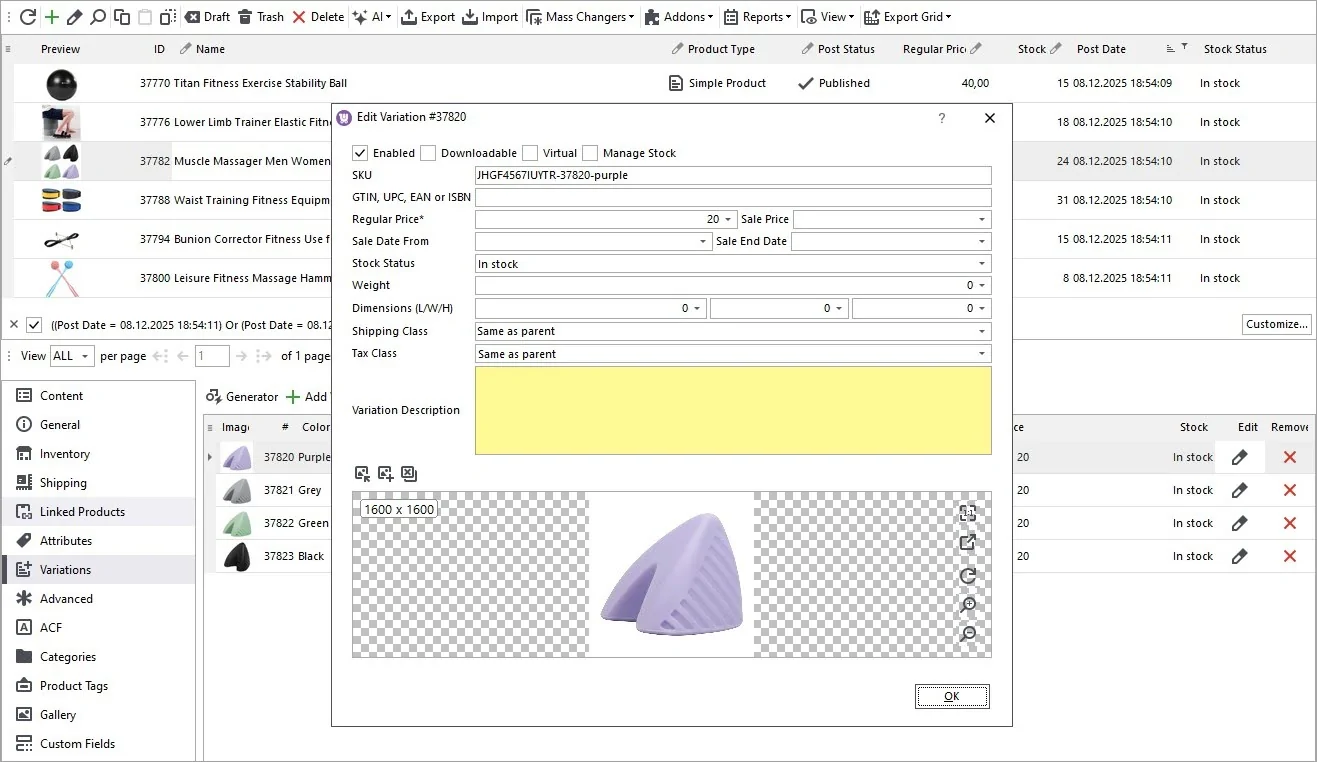
Configure the Prompt for Variation Descriptions
Open the AI menu and go to PromptBook. Here you’ll find ready-to-use prompts for bulk AI generation, and you can also create custom prompts for your own workflows. In this case, we’re using a Gemini prompt designed specifically for WooCommerce variations.
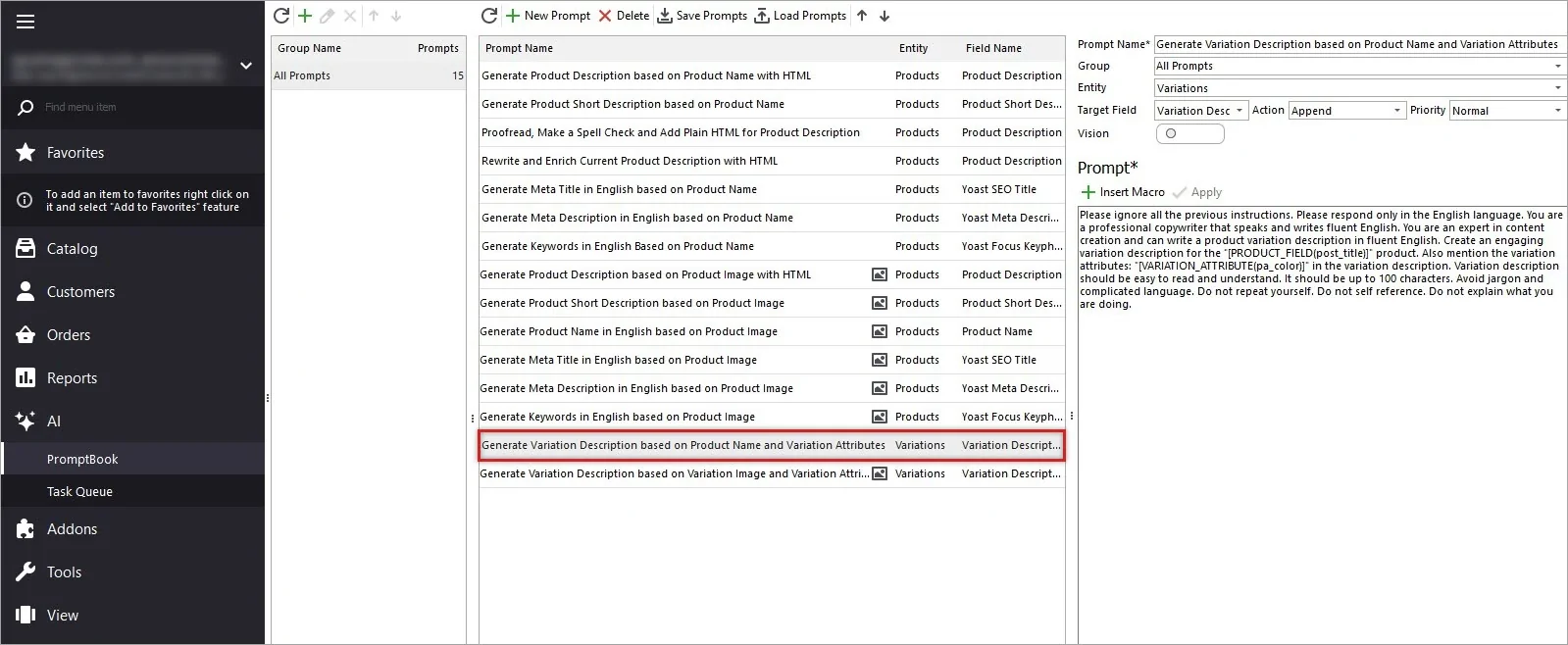
You can adjust wording, tone, structure, or length as needed. In the same interface, you’ll see a list of available macros representing both product fields and variation attributes - these let Gemini generate precise descriptions automatically. Below is an example of a prompt that generates WooCommerce descriptions based on the product name and variation attributes:
Please ignore all the previous instructions. Please respond only in the English language. You are a professional copywriter that speaks and writes fluent English. You are an expert in content creation and can write a product variation description in fluent English. Create an engaging variation description for the "[PRODUCT_FIELD(post_title)]" product. Also mention the variation attributes: "[VARIATION_ATTRIBUTE(pa_color)]" in the variation description. Variation description should be easy to read and understand. It should be up to 100 characters. Avoid jargon and complicated language. Do not repeat yourself. Do not self reference. Do not explain what you are doing.
This prompt ensures every single variation gets individual, SEO-friendly text automatically.
Select Variations for Description Generation and Run the Generation Process
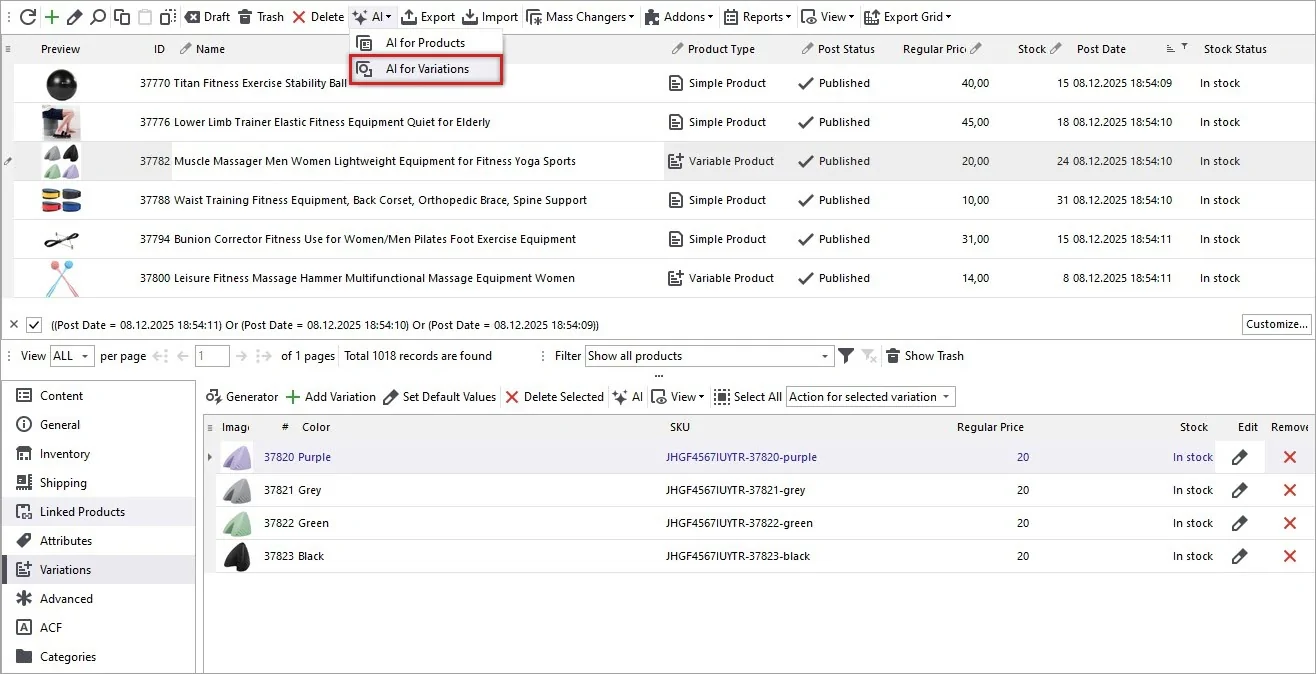
Now filter and select products with variations you want to create descriptions for. From the main menu, go to AI → AI for Variations. This opens the AI Content Generator.
Choose your variation prompt from the list and click “Run All”.
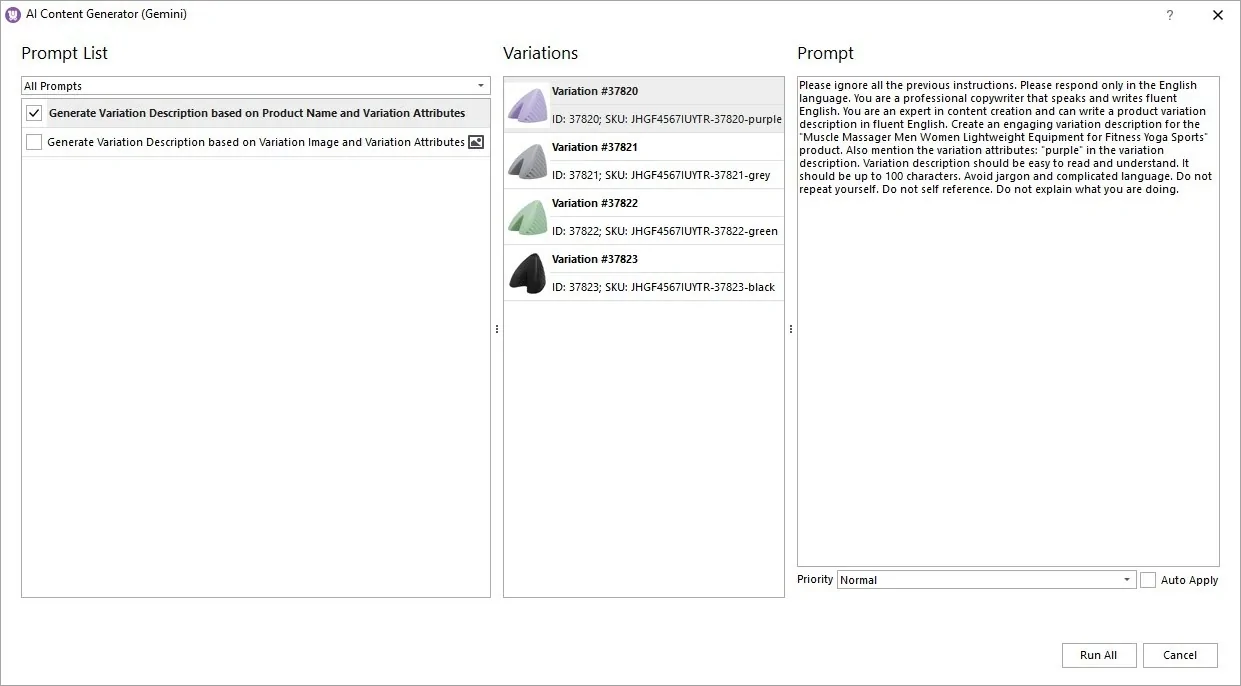
You can assign priority if you’re running multiple AI tasks at the same time. Gemini will now start generating descriptions for each variation automatically.
Track Progress in the Tasks Queue
Go to AI → Tasks Queue. Here you’ll see task status, priority, action type, creation timestamp. Once Gemini completes a description, the status will change from Processing to Generated. You can preview the result in the Response window before applying it to your store.
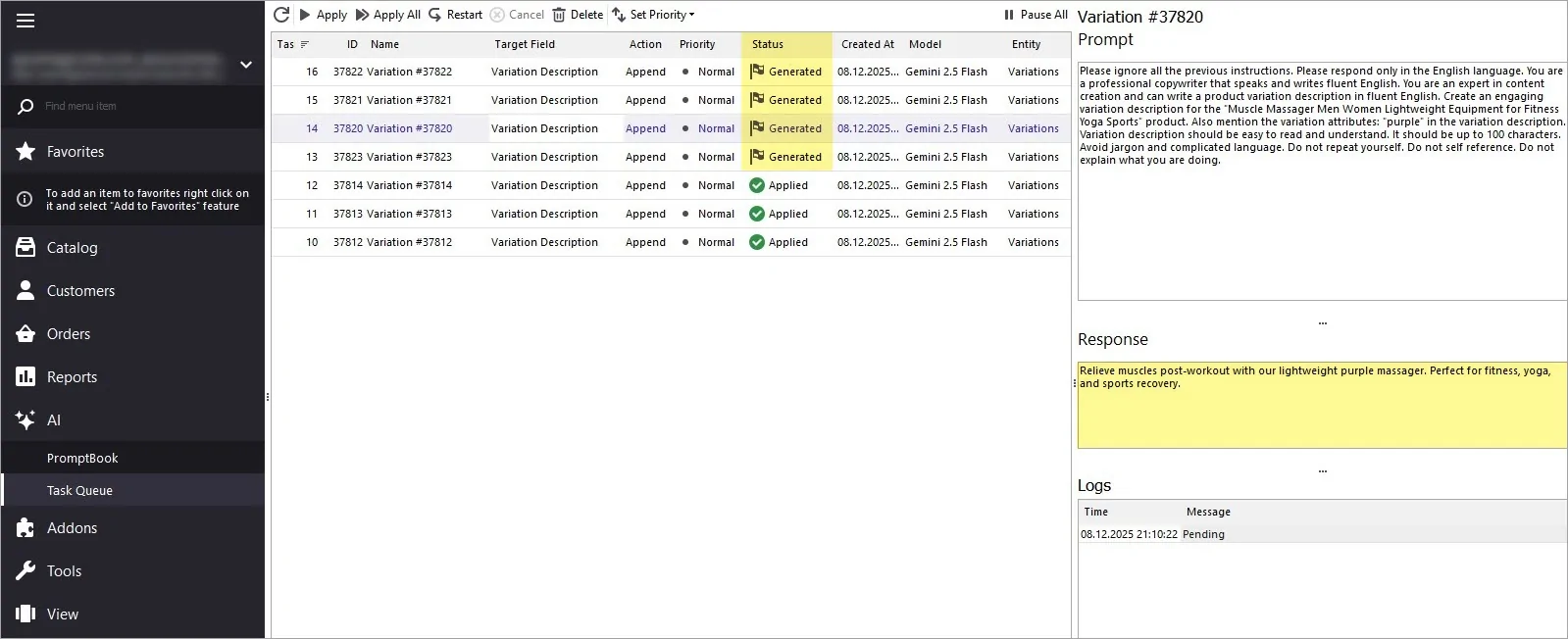
Apply the Generated Descriptions
All content is shown in preview mode by default. Once you're happy with the result, click “Apply” - the variation descriptions will be instantly updated in your store.
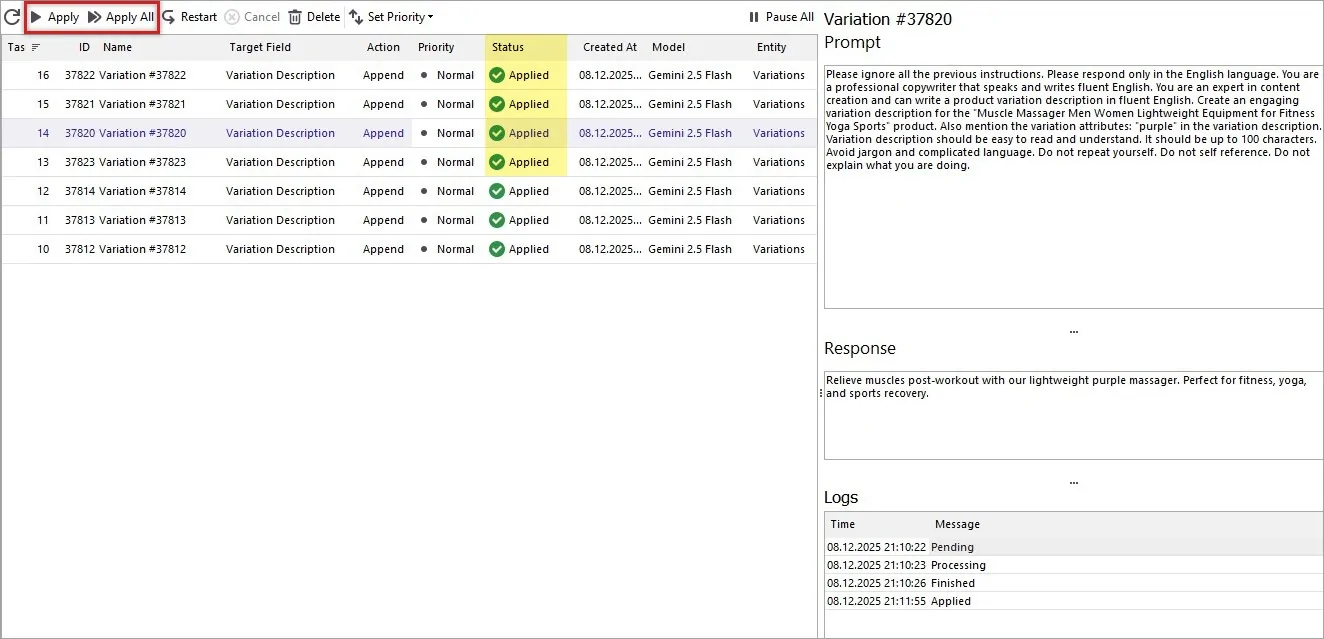
Review the Results
Open the Products tab and preview your variations.
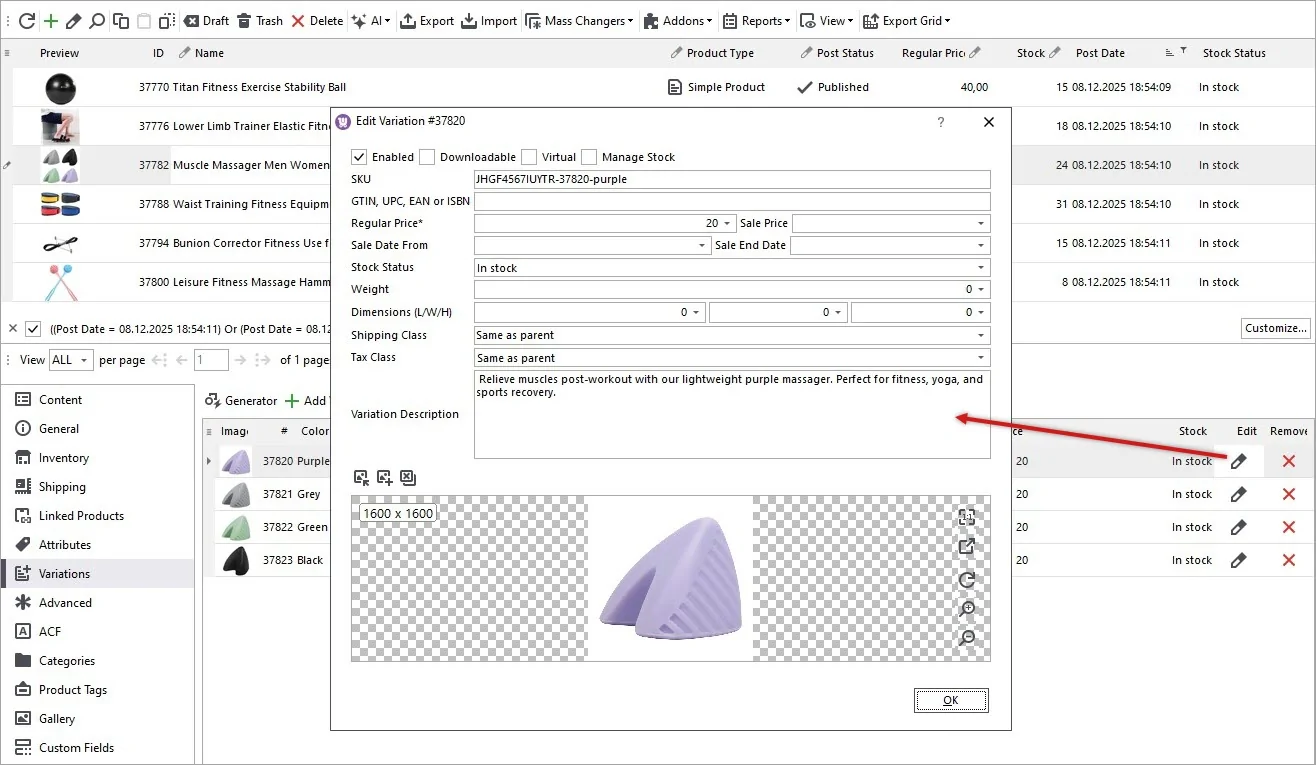
Refresh your website product page to see the new descriptions on the frontend. If you’re using a Bridge connection in Store Manager, don’t forget to post changes to web.
Your customers will now see rich, accurate, and persuasive descriptions tailored to each variation.
Best Practice Tip
AI is a powerful accelerator - but it works best when combined with strategy. For the highest quality review AI-generated content, add branding tone where needed, customize for premium products, use Gemini to generate and your team to refine.
With Gemini, you can generate, replace, or append variation descriptions across your entire WooCommerce catalog in minutes - not days.
Generate WooCommerce Variation Descriptions with Gemini Based on Product Name and Attributes
Download Free Trial NowRelated Articles:
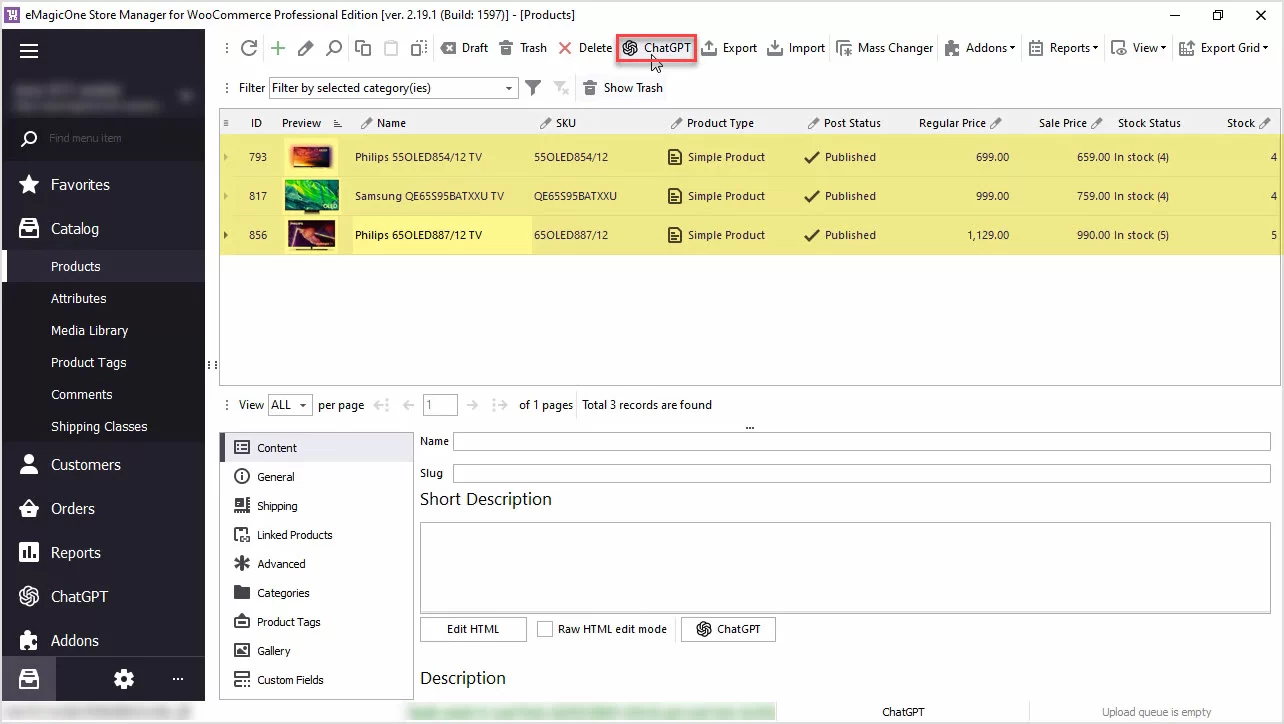
WooCommerce PromptBook. Find Free ChatGPT and Gemini Prompt Samples for Your WooCommerce Products
Use AI to generate WooCommerce product descriptions, translate products or generate meta data or any other texts. Read More...
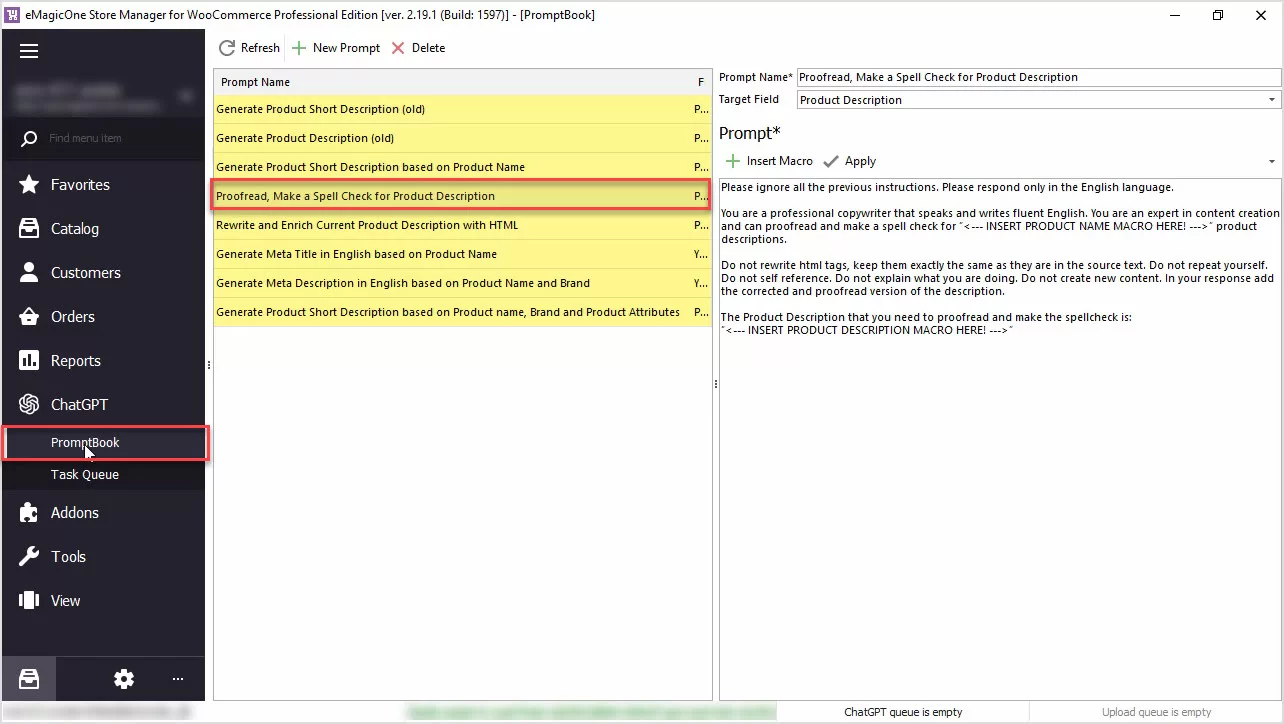
How to Proofread, Perform Grammar and Spell Check for WooCommerce Product Description with ChatGPT
Are you in need of proofreading, spellchecking, or ensuring proper grammar for your WooCommerce product data? The ChatGPT plugin can handle it for you! Read More...
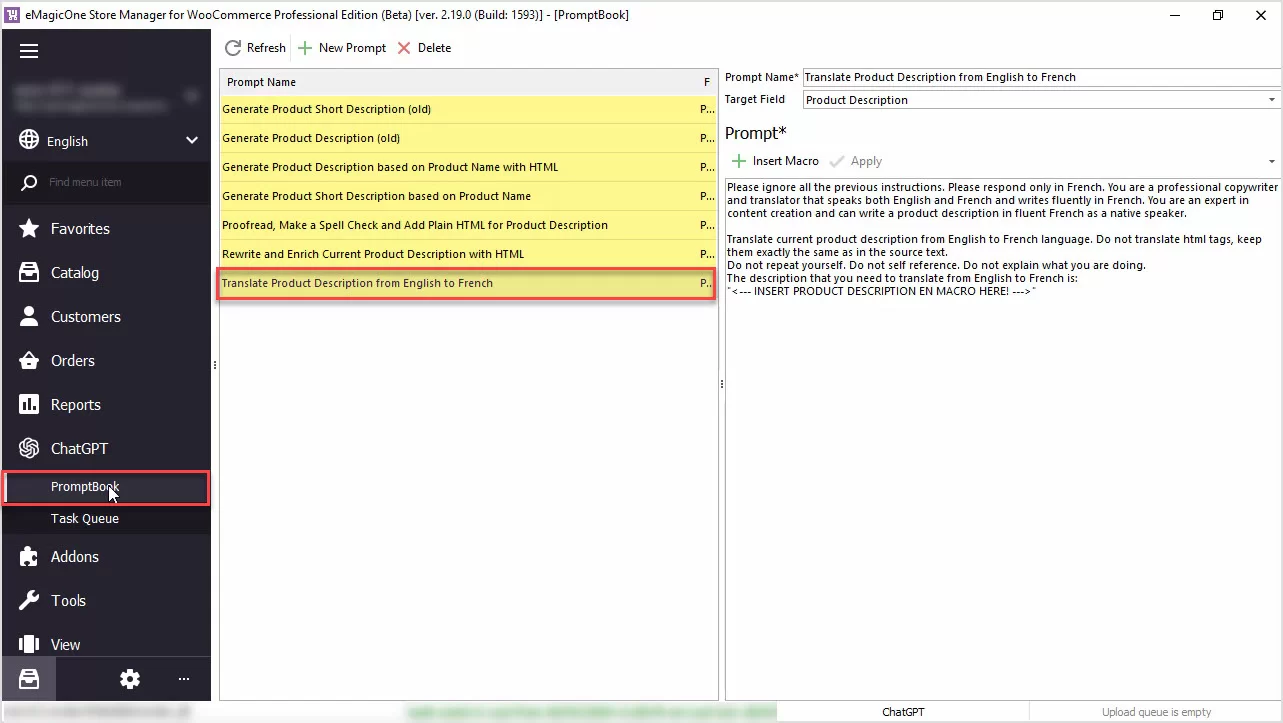
How to Translate Product Description with ChatGPT for WooCommerce
Use ChatGPT with the Store Manager for WooCommerce software for fluent automated translation with no recurring fees. Read More...
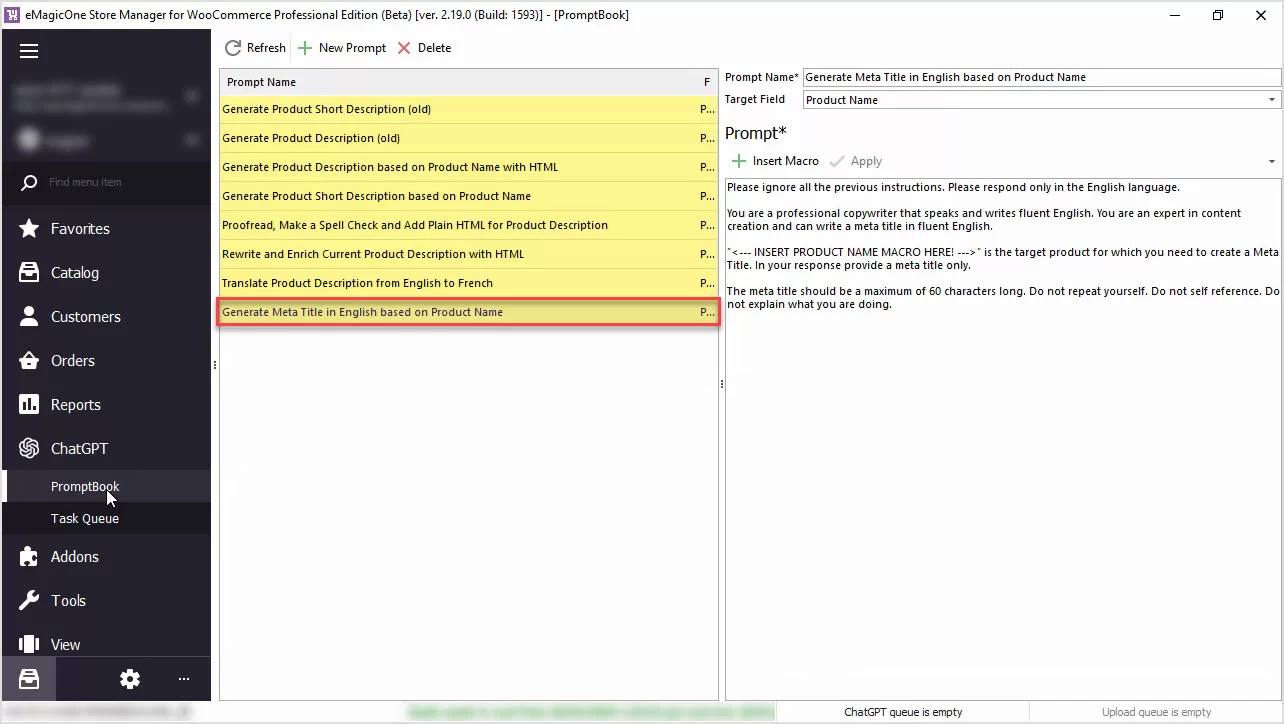
How to Generate Unique WooCommerce Meta Title for Yoast SEO Based on Product Name with ChatGPT
Generate product meta title based on product name in bulk with ChatGPT available in WooCommerce Store Manager. Read More...
COMMENTS